 ChatGPT
 Claude
 Gemini
 Perplexity
Client Library
Open Library in the Client Portal or choose Find an assessment in Getting Started. This catalog contains the published assessment types your administrator has made visible to clients.
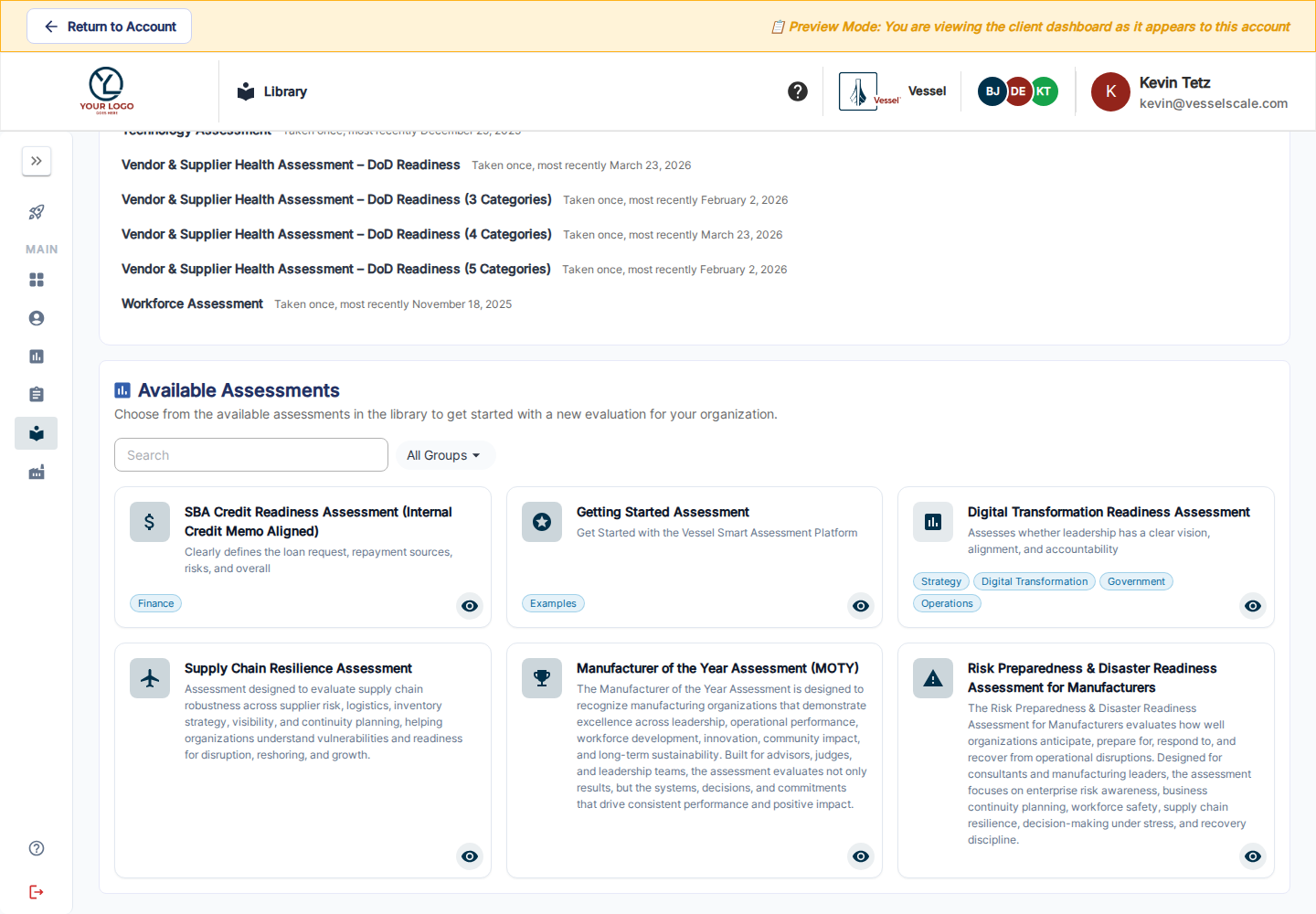
Find a useful template
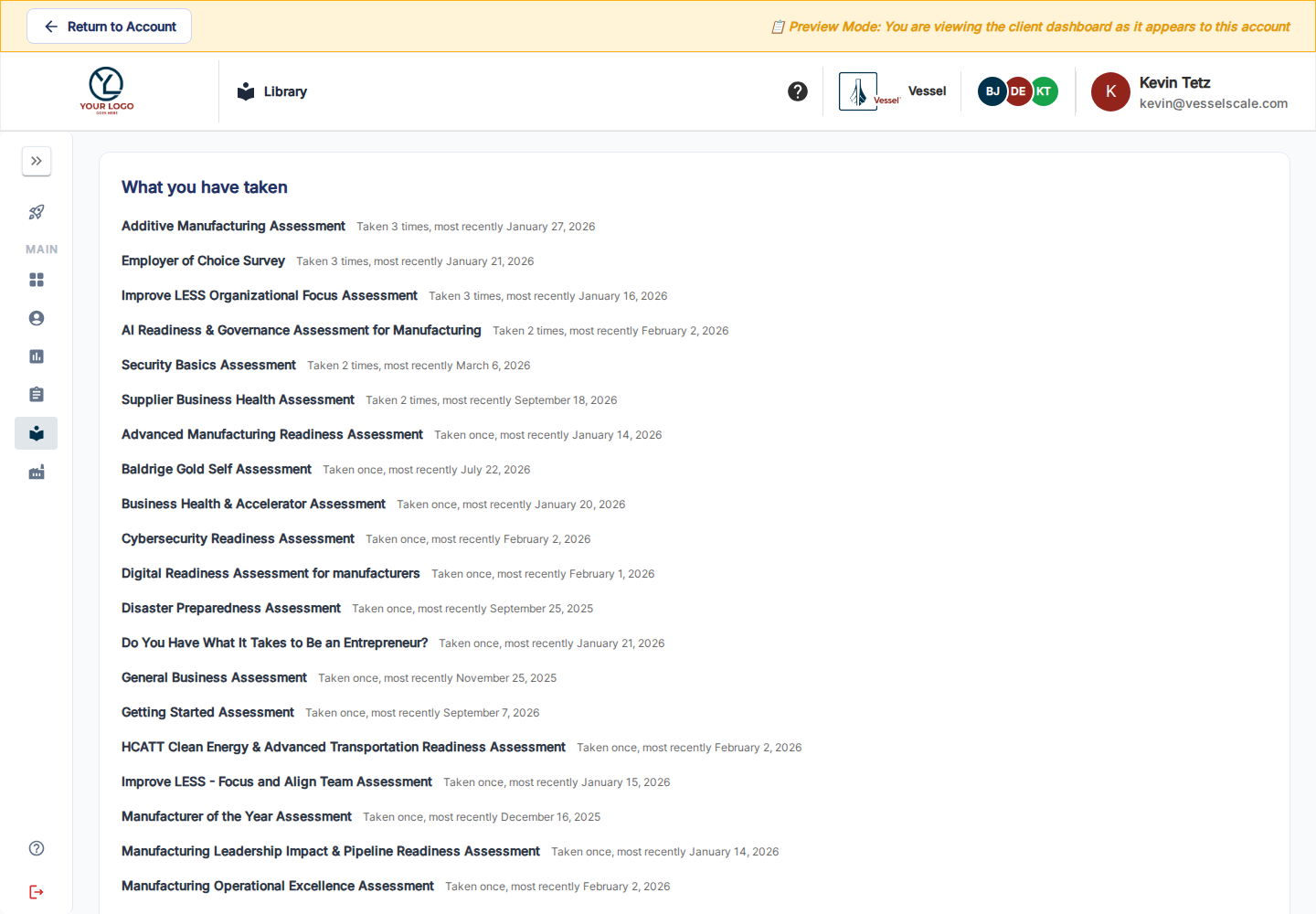
In the newer portal, What you have taken summarizes the types your account has already used, how often, and the most recent date. Scroll to Available Assessments below that history to browse the catalog.
Search by name or description and use group filters to narrow the catalog. Open a card to read its description and preview the questionnaire when offered. Ask your account executive if the assessment you need is missing or its questions need to be adapted.
Start an assessment for your account
Choose Create This Assessment for My Account on an available type, review the prefilled account and type, and complete the remaining setup. Save the draft, then find it in Assessments to manage dates, response options, and participation.
If you want to keep self-created work within your account team, review Privacy → Hide from account executives & admins. You can discuss visibility with your account executive when you want to share the work.
Clients use the supplied templates; they do not design staff Library content. The catalog shows eligible top-level types. Child assessments follow their parent’s workflow.
Client Getting Started · Your assessments · Available assessment catalog