 ChatGPT
 Claude
 Gemini
 Perplexity
Welcome to Your Client Help Center
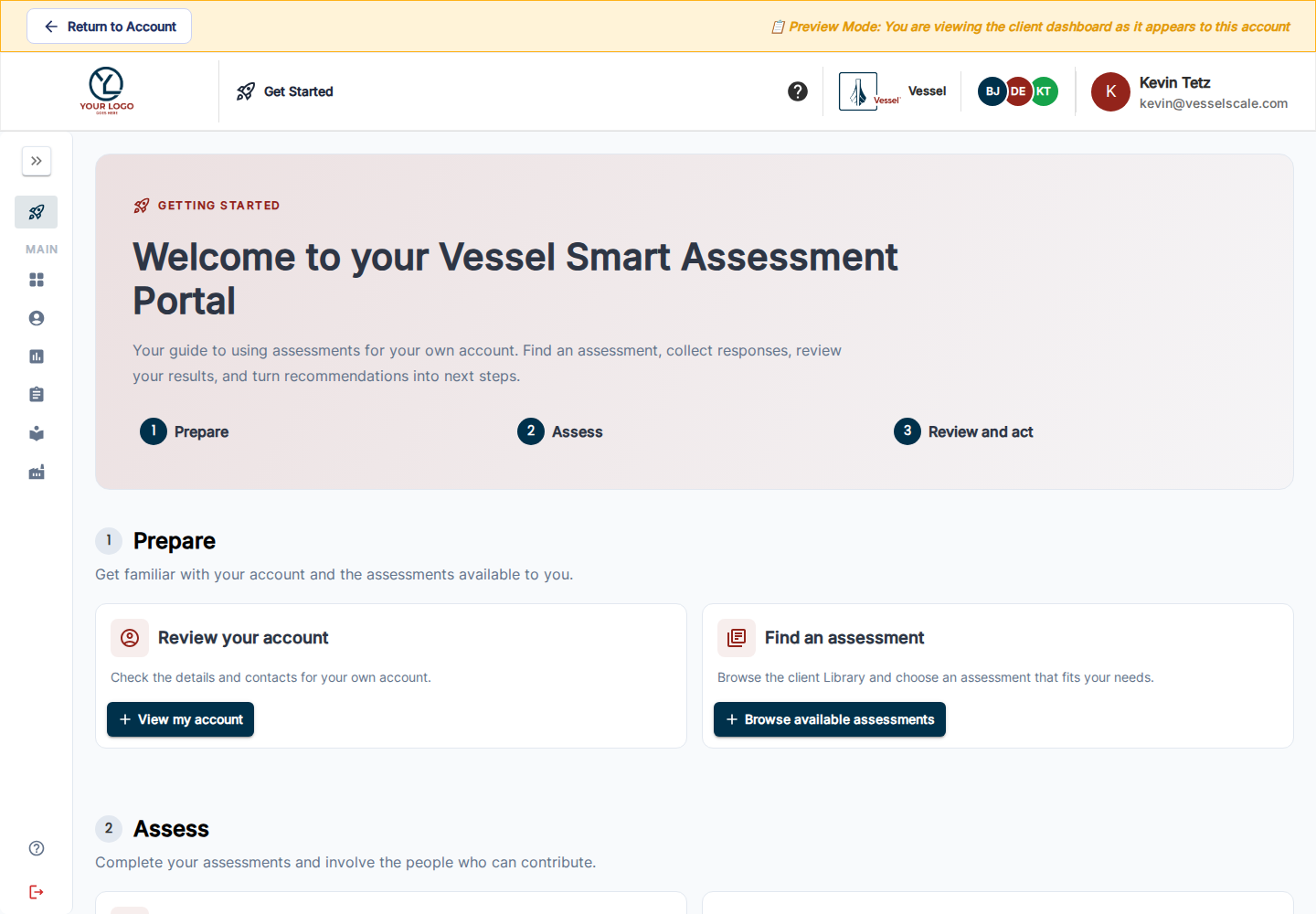
Use your Vessel Smart Assessment Portal to assess your organization, review the findings, and turn recommendations into next steps. The Getting Started landing page in the application guides you through Prepare → Assess → Review and act.
Getting Started Explore your portal
Find help for your next task
| Task | Guide |
|---|---|
| Learn the workflow | Getting Started |
| Review account details and contacts | Your account |
| Find an assessment to start | Client Library |
| Respond or check progress | Your Assessments |
| Browse available types | Available Assessments |
| Review results and PDFs | Reports and PDF output |
| Follow through on agreed work | Actions |
| Understand industry comparisons | Industry context |
Your organization’s enabled features and your permissions determine which tools appear. Contact your account executive if an assigned assessment, response link, or report is unavailable.
The screenshots show the current portal through View as Client, with its Preview Mode banner visible. Staff preview retains staff permissions, so client-private assessments remain hidden from ordinary staff.